
Voice Cloning
Have you ever wondered how you would sound in English, Spanish, Japanese, or 28 other languages? With Maestra's Voiceover Editor, you can now clone your voice and experience yourself in 30 languages!
Here is a step-by-step explanation to clone any speaker in your videos:
- Upload a video to the Voiceover Editor.
- In the Voiceover Editor, click on "Edit Speaker Voices".
- Click on "Unlock Voice Cloning". Unlocking Voice Cloning is a premium feature that requires additional credits based on the duration of your file. Therefore, you need to unlock Voice Cloning for each language in your file.

- Once you have unlocked Voice Cloning for the file, you are able to use the "Clone From This File" button. You may select multiple speakers for your file.
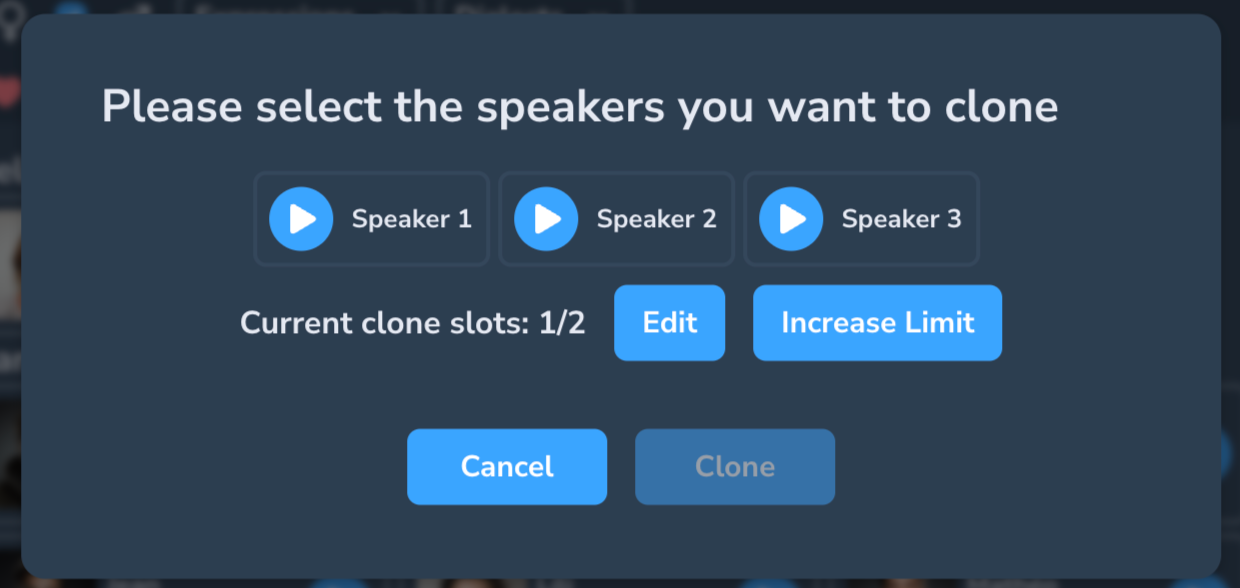
- The cloning process is quick. Once you have cloned your voice, you may use it on all files without needing to clone it again.
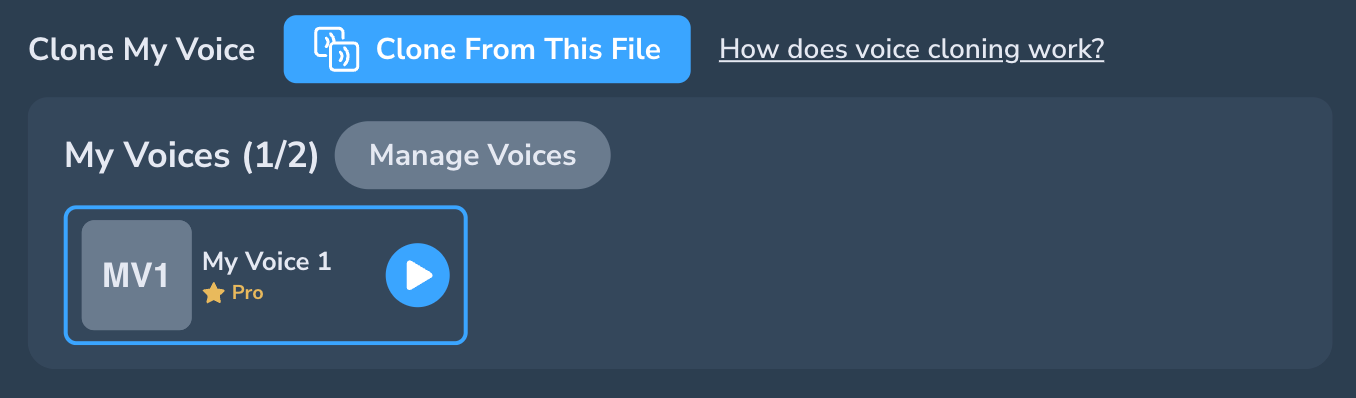
Pro Voices
We have also released "Pro Voices" that sound more realistic than the regular options.
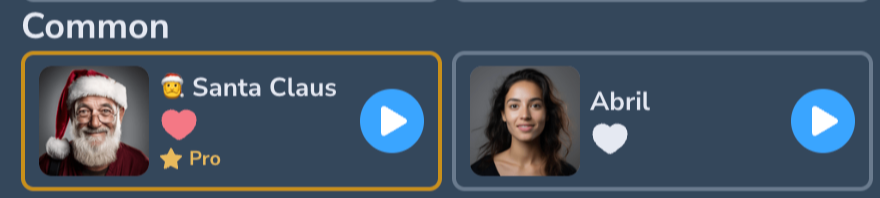
Pro Voices and Cloned Voices cost the same and when you unlock Pro Voices, you can use both Cloned and Pro Voices.
Pro/Cloned Voices are available in the following languages:
- English
- Japanese
- Chinese
- Chinese (Traditional)
- German
- Hindi
- French
- French (Canadian)
- Korean
- Portuguese
- Italian
- Spanish
- Indonesian
- Dutch
- Turkish
- Filipino
- Polish
- Swedish
- Bulgarian
- Romanian
- Arabic
- Czech
- Greek
- Finnish
- Croatian
- Malay
- Slovak
- Danish
- Tamil
- Ukrainian